
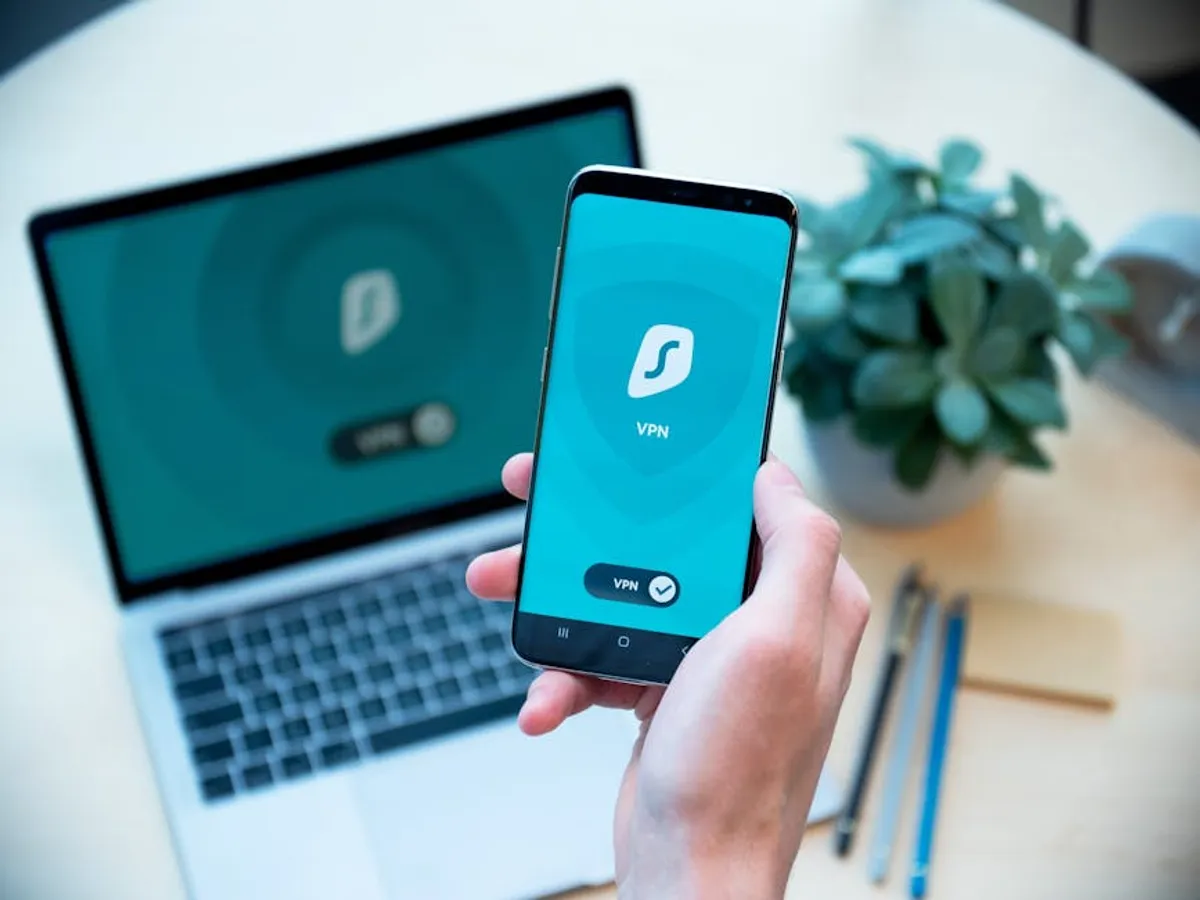
The shift to widespread remote work has fundamentally altered the cybersecurity landscape for organizations. Where perimeter defenses once offered a degree of control, the distributed nature of remote operations means the attack surface has expanded dramatically, extending into employees' homes and personal networks. Securing remote workers is no longer an optional add-on but a critical strategic imperative, directly impacting data integrity, operational continuity, and regulatory compliance. The decision to implement robust remote security measures is a direct investment in mitigating new vectors of risk, from sophisticated phishing attacks targeting home users to vulnerabilities introduced by unmanaged personal devices. Effective strategies must encompass policy, technology, and human factors to create a resilient security posture that protects organizational assets regardless of physical location. Protecting these connections also involves securing personal devices on public networks to prevent data breaches.
Developing a Comprehensive Remote Work Security Policy
A clear, enforceable security policy forms the bedrock of any secure remote work environment. This document outlines the rules, responsibilities, and technical requirements for employees working outside traditional office settings. Without a defined policy, security efforts become fragmented and inconsistent, leaving gaps for exploitation.
- Acceptable Use Policy (AUP): Specifies what employees can and cannot do with company-issued devices and networks, including restrictions on software installations, website access, and personal use. This clarifies expectations and reduces the likelihood of introducing malware or vulnerabilities through casual browsing.
- Device Management Policy: Details requirements for company-owned devices (e.g., mandatory encryption, antivirus software, operating system updates) and, if permitted, outlines conditions for using personal devices (Bring Your Own Device - BYOD), including minimum security standards and data segregation.
- Data Handling and Classification: Establishes protocols for accessing, storing, and transmitting sensitive company data. This includes guidelines on using approved cloud storage, avoiding public Wi-Fi for confidential work, and the proper disposal of physical and digital information.
- Incident Reporting Procedures: Defines the steps employees must take immediately upon suspecting a security incident, such as a lost device, a phishing attempt, or unauthorized access. Clear reporting channels ensure rapid response and minimize potential damage.
Implementing Technical Safeguards for Distributed Endpoints
Technology provides the essential tools to enforce policies and protect digital assets across dispersed locations. A multi-layered technical approach addresses various threat vectors.
Endpoint Protection and Management
Every device used for work, whether company-issued or personal, represents a potential entry point. Robust endpoint security is non-negotiable.
Key measures:
- Advanced Antivirus/Endpoint Detection and Response (EDR): Moves beyond signature-based detection to behavioral analysis, identifying and neutralizing sophisticated threats like ransomware and fileless malware. EDR provides visibility into endpoint activities, aiding in threat hunting and incident response.
- Patch Management: Ensures all operating systems, applications, and firmware are regularly updated to fix known vulnerabilities. Automated patch deployment across remote devices is crucial to prevent exploitation of unpatched software.
- Full Disk Encryption: Protects data at rest on laptops and other devices, rendering information unreadable to unauthorized parties if a device is lost or stolen.
- Mobile Device Management (MDM): For organizations allowing mobile work, MDM solutions enforce security policies on smartphones and tablets, including remote wipe capabilities, password enforcement, and application control.
Securing Remote Network Access
Remote workers connect from diverse and often less secure home networks. Protecting these connections is vital.
Key measures:
- Virtual Private Networks (VPNs): Encrypt all traffic between the remote device and the corporate network, creating a secure tunnel over public internet connections. This prevents eavesdropping and protects data in transit.
- Secure Wi-Fi Practices: Educate employees on the importance of strong Wi-Fi passwords, WPA2/WPA3 encryption, and avoiding public Wi-Fi for sensitive work. Encourage firewall activation on home routers.
- Zero Trust Network Access (ZTNA): An evolution beyond traditional VPNs, ZTNA verifies every user and device before granting access to specific applications and resources, regardless of their location. This "never trust, always verify" model significantly reduces the attack surface.
Secure Communication Channels
Communication tools are central to remote collaboration but can also be targets for interception or phishing.
Key measures:
- Encrypted Messaging and Collaboration Platforms: Mandate the use of enterprise-grade communication tools that offer end-to-end encryption for calls, messages, and file sharing.
- Email Security Gateways: Implement solutions that filter spam, phishing attempts, and malware before they reach employee inboxes, supplementing endpoint defenses.
Cultivating a Security-Aware Culture
Technology alone is insufficient without a human element that understands and actively participates in security. Employees are often the first line of defense, but also the most common point of failure.
Pro Tip: Regular, interactive security awareness training is more effective than annual, passive modules. Focus on real-world examples of phishing and social engineering specific to remote work, such as fake IT support requests or urgent messages from "executives" asking for immediate action. Reinforce the concept that security is a shared responsibility.
Training focus areas:
- Phishing and Social Engineering Recognition: Teach employees to identify suspicious emails, texts, and calls, especially those exploiting remote work anxieties or offering fake benefits.
- Strong Password Hygiene and Multi-Factor Authentication (MFA): Emphasize the importance of unique, complex passwords and the mandatory use of MFA for all corporate accounts.
- Data Privacy and Confidentiality: Remind employees about their obligations to protect sensitive company and customer data, even when working from home.
- Physical Security of Devices: Instruct employees on securing devices in their home environment, preventing unauthorized access by family members or visitors, and being cautious in public spaces if working remotely from cafes or co-working spaces.
Managing Access and Data in a Distributed Environment
Controlling who can access what, and ensuring data integrity, is paramount when employees are off-site.
Identity and Access Management (IAM)
IAM systems centralize user identities and control access privileges.
Key measures:
- Multi-Factor Authentication (MFA): Adds a crucial layer of security beyond passwords, requiring users to verify their identity via a second method (e.g., a code from an authenticator app, a biometric scan).
- Single Sign-On (SSO): Streamlines access to multiple applications with one set of credentials, improving user experience while centralizing authentication management.
- Least Privilege Access: Grant users only the minimum access rights necessary to perform their job functions. This limits the damage if an account is compromised.
Data Loss Prevention (DLP)
DLP solutions monitor, detect, and block sensitive data from leaving the corporate network or being used inappropriately.
Key measures:
- Cloud DLP: Extends data protection to cloud storage and collaboration platforms, ensuring sensitive information is not uploaded to unauthorized services.
- Endpoint DLP: Prevents data from being copied to USB drives, printed, or emailed outside approved channels from remote devices.
- Regular Data Backups: Implement automated, encrypted backups of critical data, stored securely and off-site, to ensure recovery in case of data loss or ransomware attack.
Sustaining Remote Worker Security
Securing remote workers is an ongoing process, not a one-time project. The threat landscape evolves, and so too must security measures.
Regularly review and update security policies and technical controls based on new threats, technological advancements, and changes in organizational structure or remote work arrangements. Conduct periodic security audits and penetration testing to identify vulnerabilities in the remote infrastructure. Monitor security logs and alerts from all endpoints and network devices to detect suspicious activities promptly. Foster an open channel for employee feedback regarding security challenges, ensuring policies are practical and sustainable for remote teams. By treating remote worker security as a continuous cycle of assessment, implementation, and refinement, organizations can build a resilient defense against evolving cyber threats.
Frequently Asked Questions About Remote Worker Security
What is the most significant cybersecurity risk introduced by remote work?
The human element, specifically social engineering and phishing attacks, often represents the most significant risk. Remote workers may operate in less controlled environments, making them more susceptible to sophisticated lures that exploit trust or urgency.
How often should security awareness training be conducted for remote employees?
Annual training is a baseline, but more frequent, targeted training (e.g., quarterly mini-sessions or monthly phishing simulations) is recommended. This keeps security top-of-mind and addresses emerging threats in a timely manner.
Can personal devices (BYOD) be securely integrated into a remote work environment?
Yes, but with stringent controls. This typically involves robust Mobile Device Management (MDM) or Endpoint Detection and Response (EDR) solutions, mandatory encryption, secure containers for work data, and strict acceptable use policies that segregate personal and corporate data.
What is the role of a VPN versus Zero Trust Network Access (ZTNA) in remote security?
A VPN provides a secure tunnel to the entire corporate network, essentially extending the perimeter. ZTNA, conversely, grants access only to specific applications and resources on a 'need-to-know' basis, verifying each request regardless of location. ZTNA offers a more granular and often more secure approach by reducing the implicit trust associated with network access.



